
Now, Family Search is free – a positive. The downside is that all the trees are all in one. Anyone and I do mean anyone can add or deduct that their two cents worth is correct. It’s called a collaborative tree. I will talk about this shortly.

Family Search is run by The Church of The Latter Day Saints more commonly known as the Mormons.
I have been using this site for many years. Before computers and online access became available, records were collected and organised to produce the IGI printouts. I have previously written about these records – https://ancestorfamily.com/2023/05/19/igi/ Like most transcribed records even online, errors can occur.
How Useful Is FamilySearch?
From my experience, I have found it quite good. Just because you find a record doesn’t mean you are ready to move on to the next. My thoughts are you need at least two primary sources that show the information that you require. Of course, if you have more than this it’s even better. My advice is not to use a death certificate as one of your primary sources. The information provided on this record may have come from a “witness” or even a relative who has little to no knowledge of the deceased person. I use this example as they may not even know the deceased person’s parents or how long they have been in an area or a country – so just be aware. Reminder: Source the records you find.
The site does have a broad cross-section of very useful records. You will probably not know which ones are useful until you begin your research.
Site Access.
Let’s begin with the login to gain access to the site. I will write this at a beginner level. Those more experienced may find this boring or it could be used as a refresher – you may pick up something you didn’t know.
The website is www.familysearch.org.
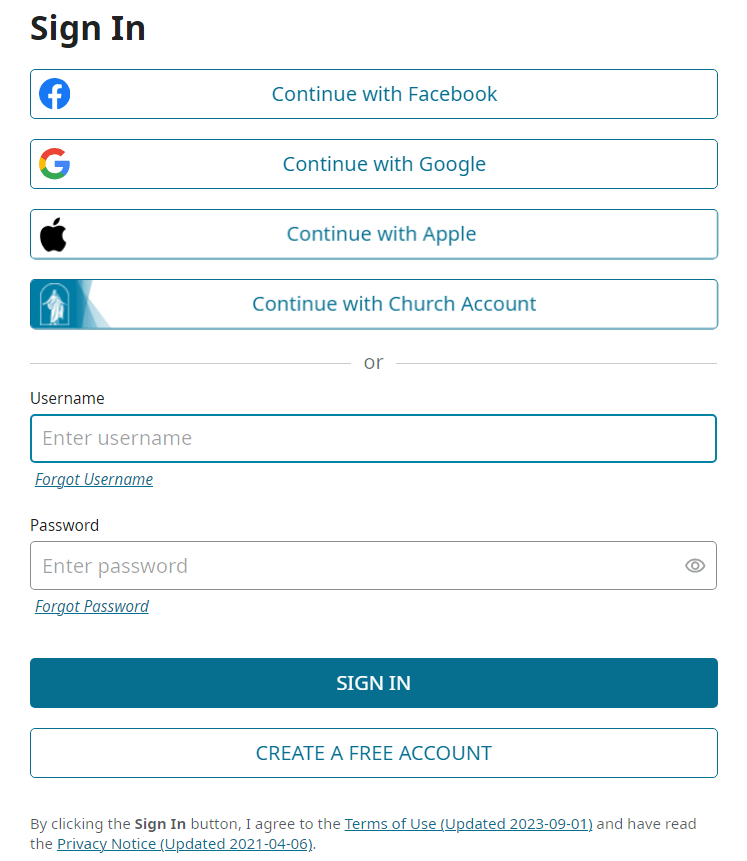
Once the main screen appears, enter your login details or create an account, if you are new to the site. Remember, it is free. There are various ways you can actually sign in i.e. using your Google account. You can check these options out yourself.
The landing page shows a menu at the top:
- Family Tree – Displays details relating to trees.
- Search – records, images, catalog etc.
- Memories – gallery, people and find.
- Get Involved – opportunities, indexing etc.
- Activities – there are a variety listed here so please have a look.
NOTE: One place I recommend is: Research Wiki which can be found under Search. I will let you discover why!
Sub Menu.
This is then followed by: Home, Friends, Hints, Recent.
Displayed on this screen:
- Share something about your family.
- You can write a post.
- Search all collections.
- How to start.
Scrolling further down on this screen you can find out if you are related to a famous person! If that’s what you really want to do!
FamilySearch displays recent people viewed.
There is a fairly new section accessed on 6 March 2024. It is called FamilySearch Labs. Again, please go have a look.
Then there is information relating to RootsTech 2024.
A to-do list (You enter details about your own list).
And then a new volunteer opportunity.
As you can see, there is a lot to look at even before you really get started.
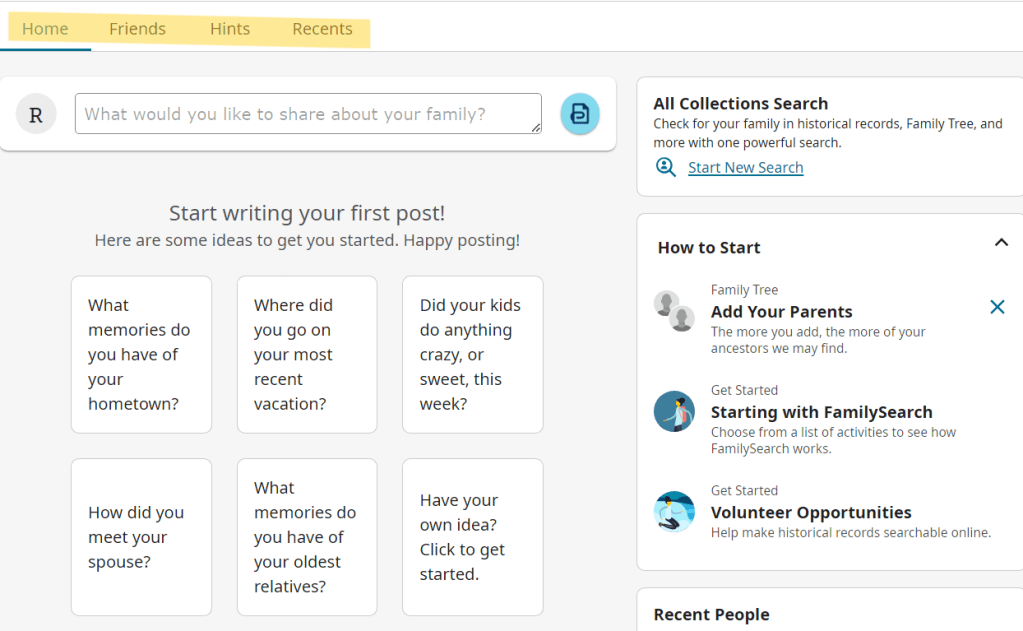
- The “Home” screen changes so there is always something new to look at.
- Friends – this is where you can add friends who are on FamilySearch.
- Hints – from your tree, FamilySearch has hints here.
- Recent – displayed here show records recently viewed.
From this brief overview, one can imagine how time can just disappear very quickly without even doing a search.
my thoughts on FamilySearch?
The tree you upload or create on FamilySearch becomes part of the world’s largest shared online family tree. What this means is that no matter how much research you put into your tree or ancestor, anyone can change the records.
My experience hasn’t been good. Even today, I looked at several ancestor records and the records attached have been altered by volunteers or a named person. There have been names changed which also include surnames, birthplaces, marriages and death locations. It does frustrate me that this occurs. You can make corrections and state your reasons for the change.
NOTE: Sourcing your records is a bit of a help but…

Error Examples.
From the five records I looked at today – 6 March 2024, four contained incorrect changes. I only corrected one. It can become too time-consuming to correct every incorrect record, so I just gave up. These records had an incorrect surname and that’s the one I corrected. There was an incorrect birthplace – nowhere near where the person was born. A marriage place – the volunteer used the registry location and not the actual town. The death location record – it was changed from the correct town to just the State where the person died because that’s what was on the death register. This record did have the information taken from the death certificate – go figure!
On the more positive side, it’s the records that are of interest and not the tree. I’ll just leave it at that.
Explore and discover.
Acknowledgements: The top three pictures are taken from FamilySearch website. The “Family Tree” was produced in Canva.
 Ancestor Family